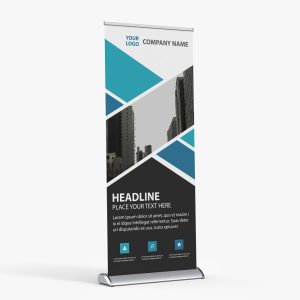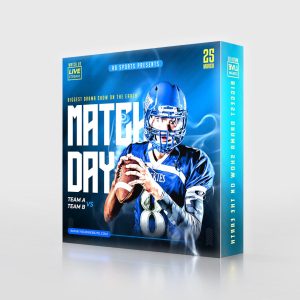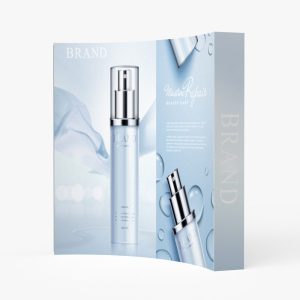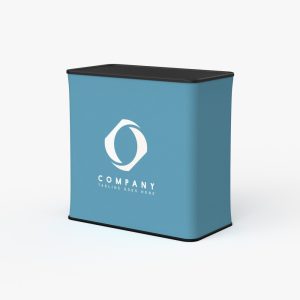
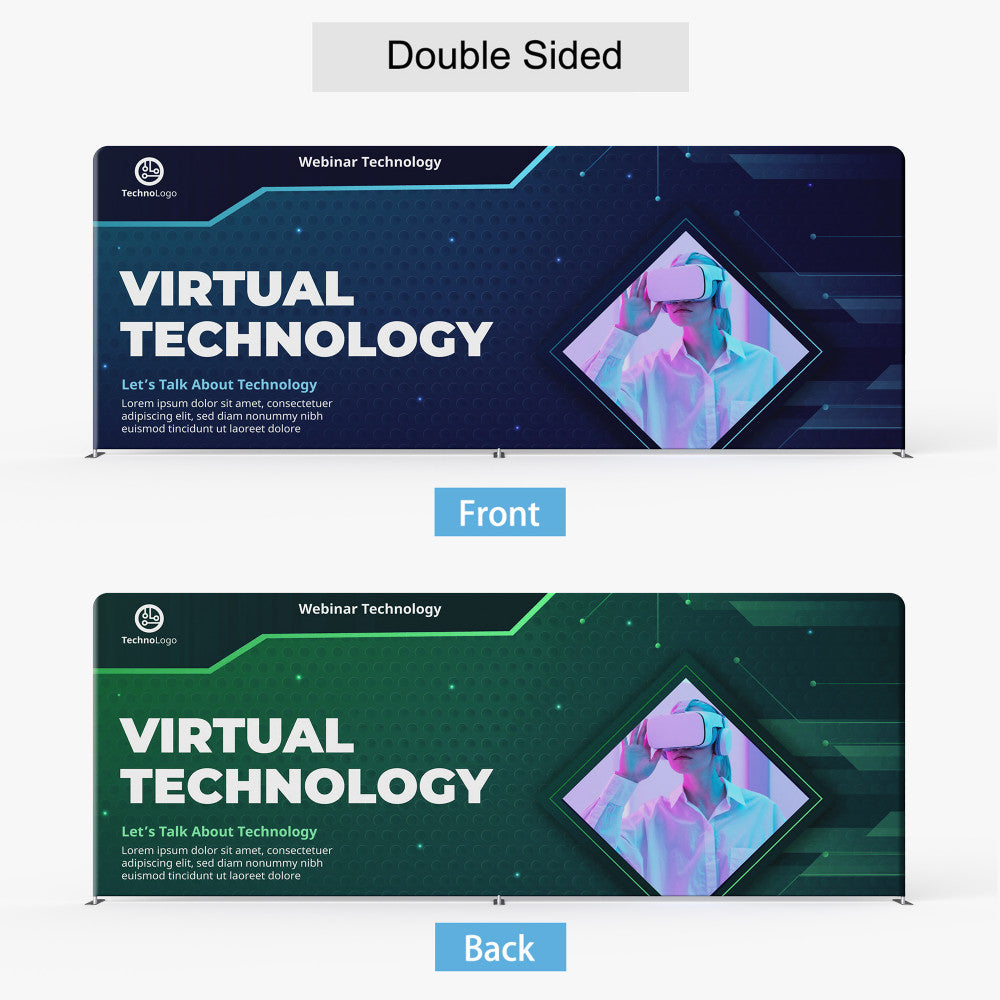
Description
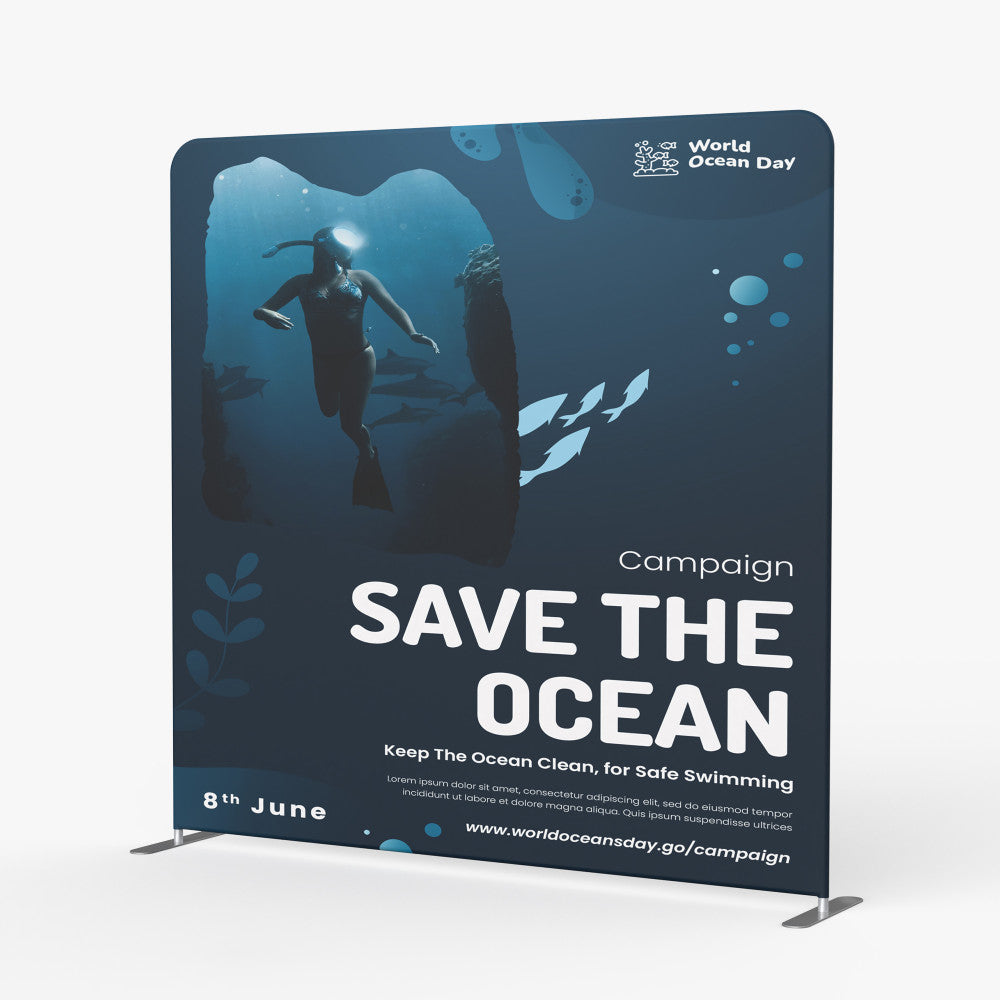
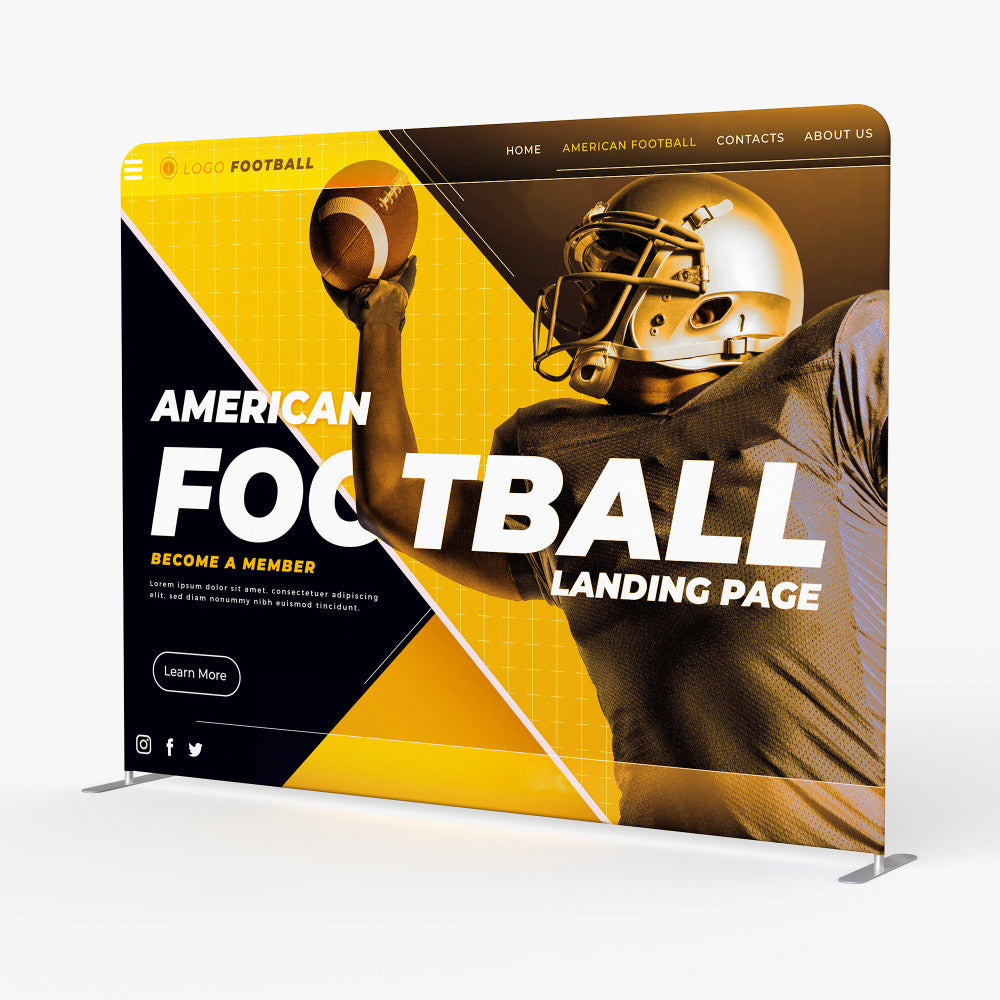
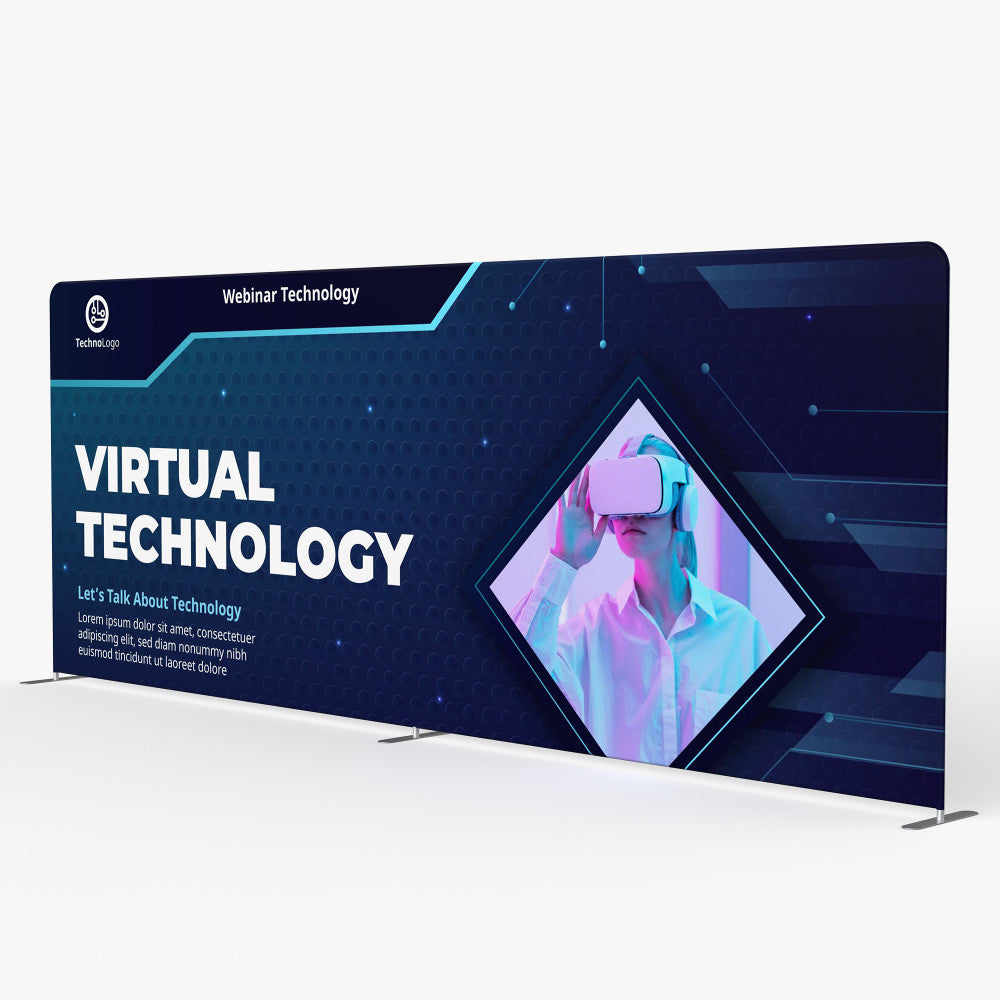
- Tradeshow fabric displays for exihibits and backdrops
- Options for 8′, 10′, 20′ tradeshow stalls
- Straight/flat display has stabilizing feet
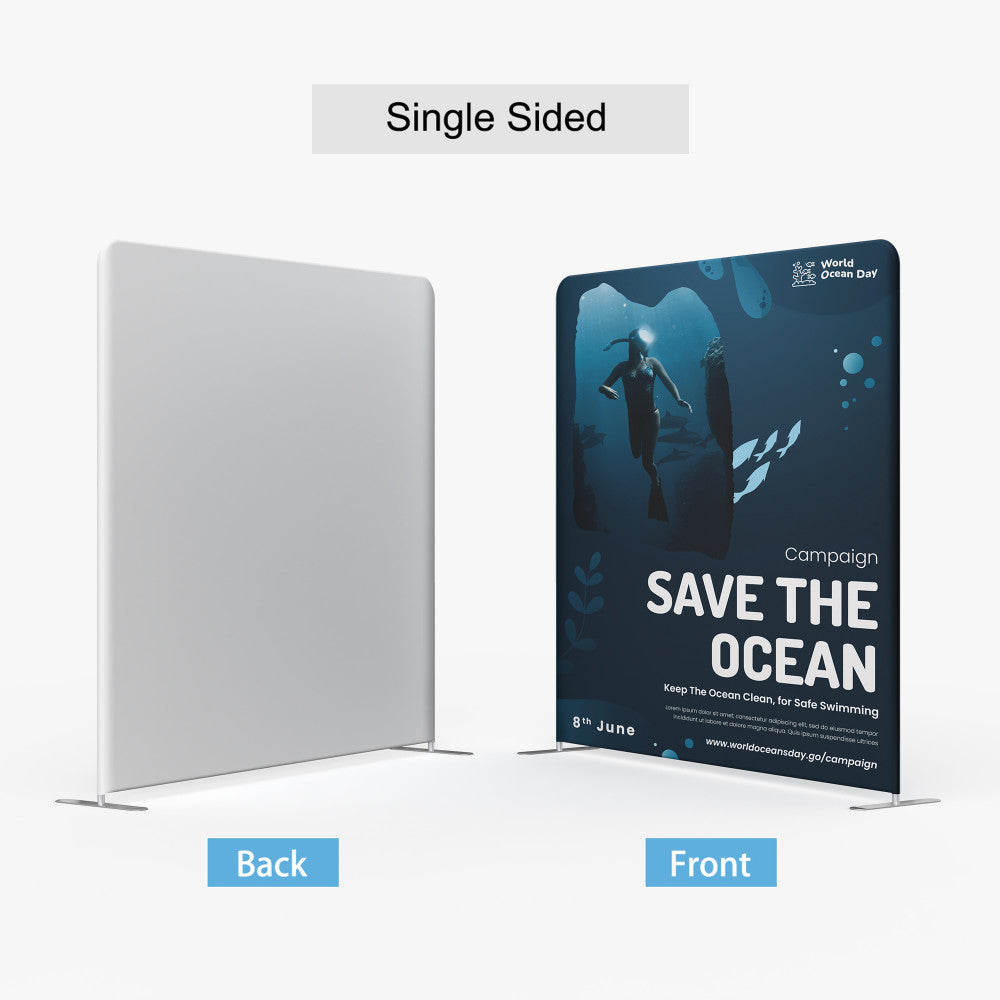
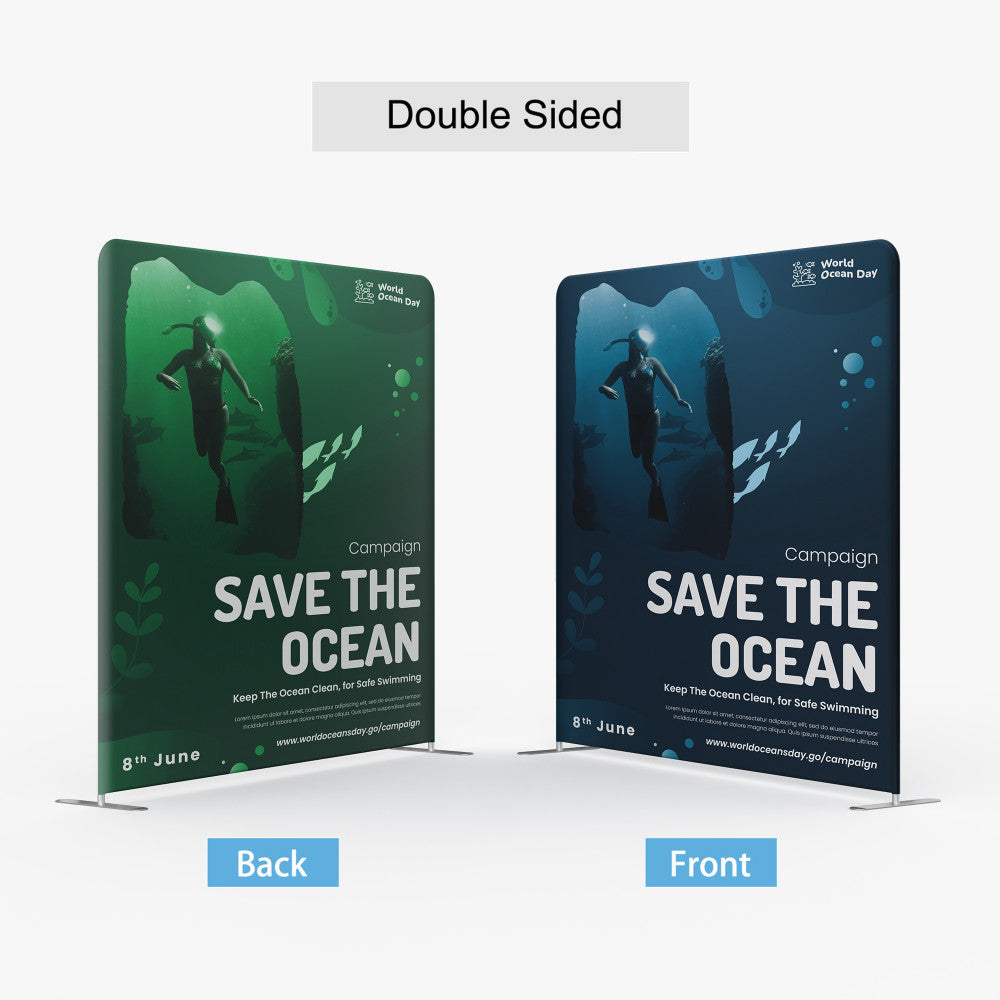
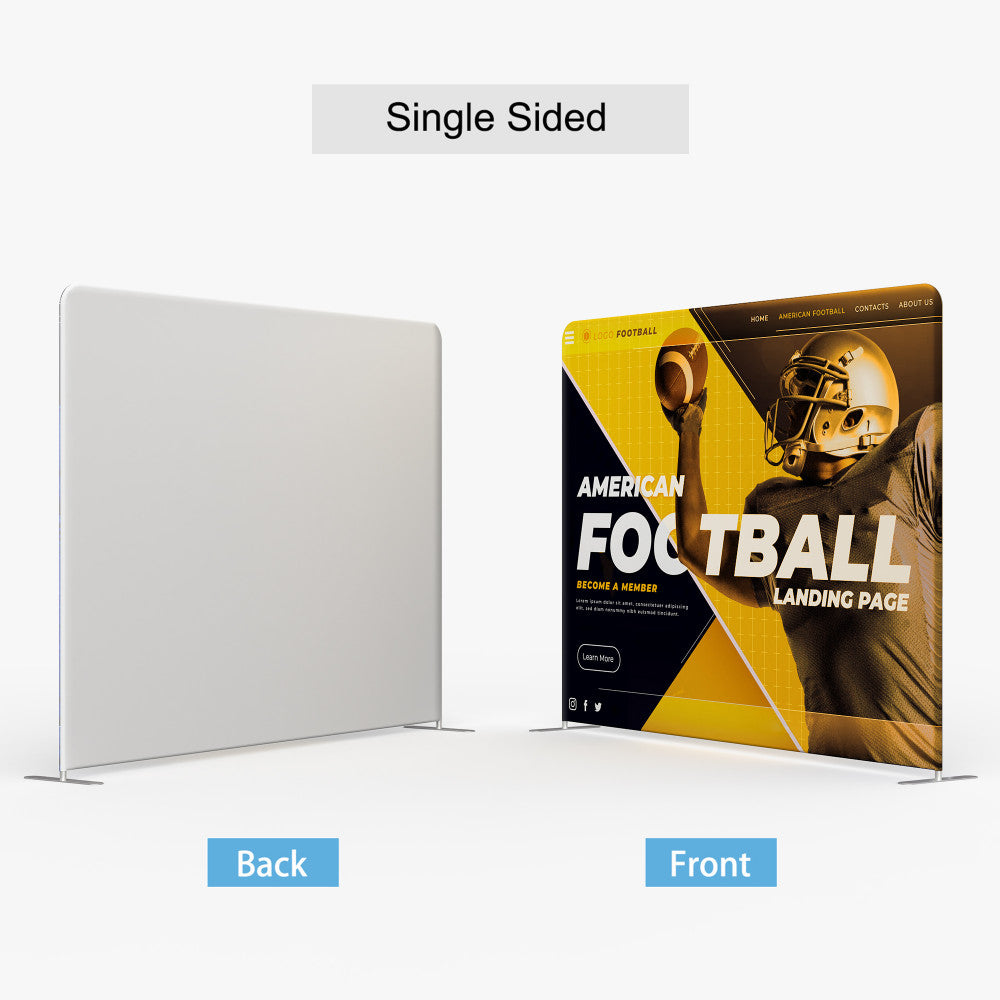
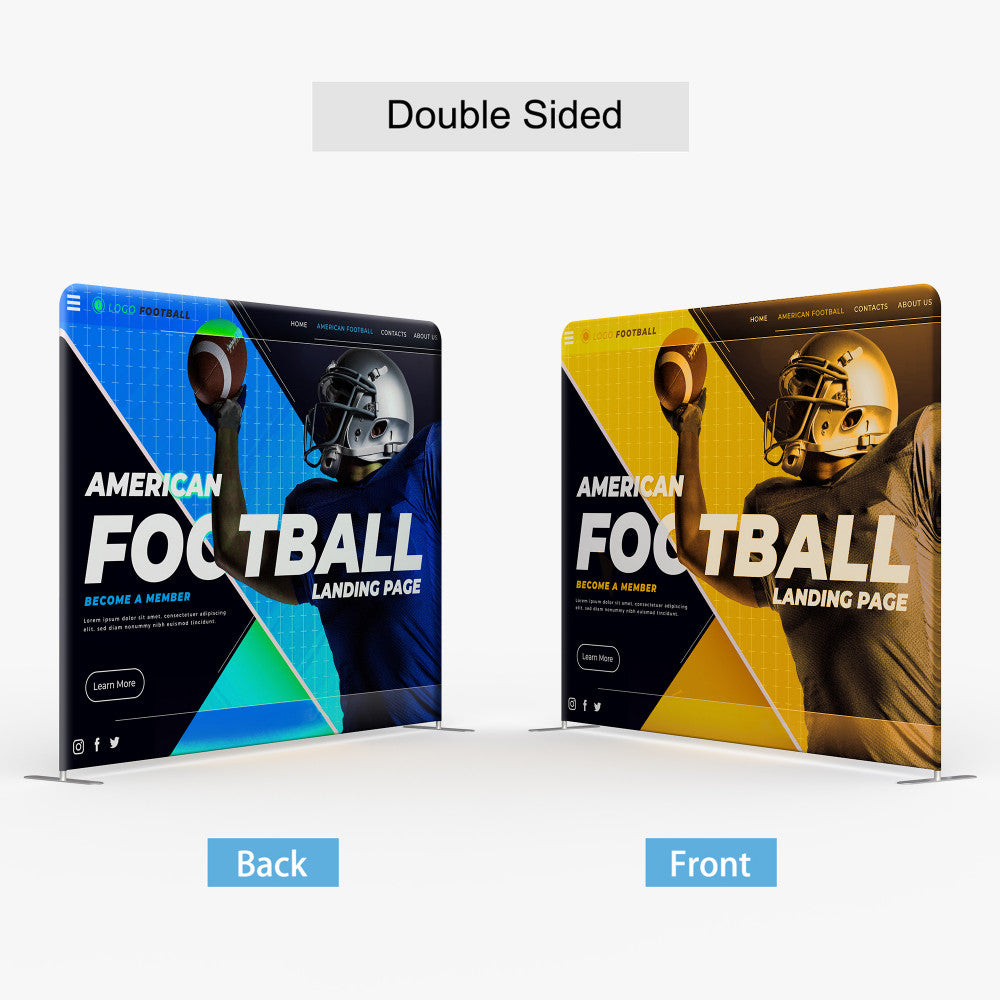
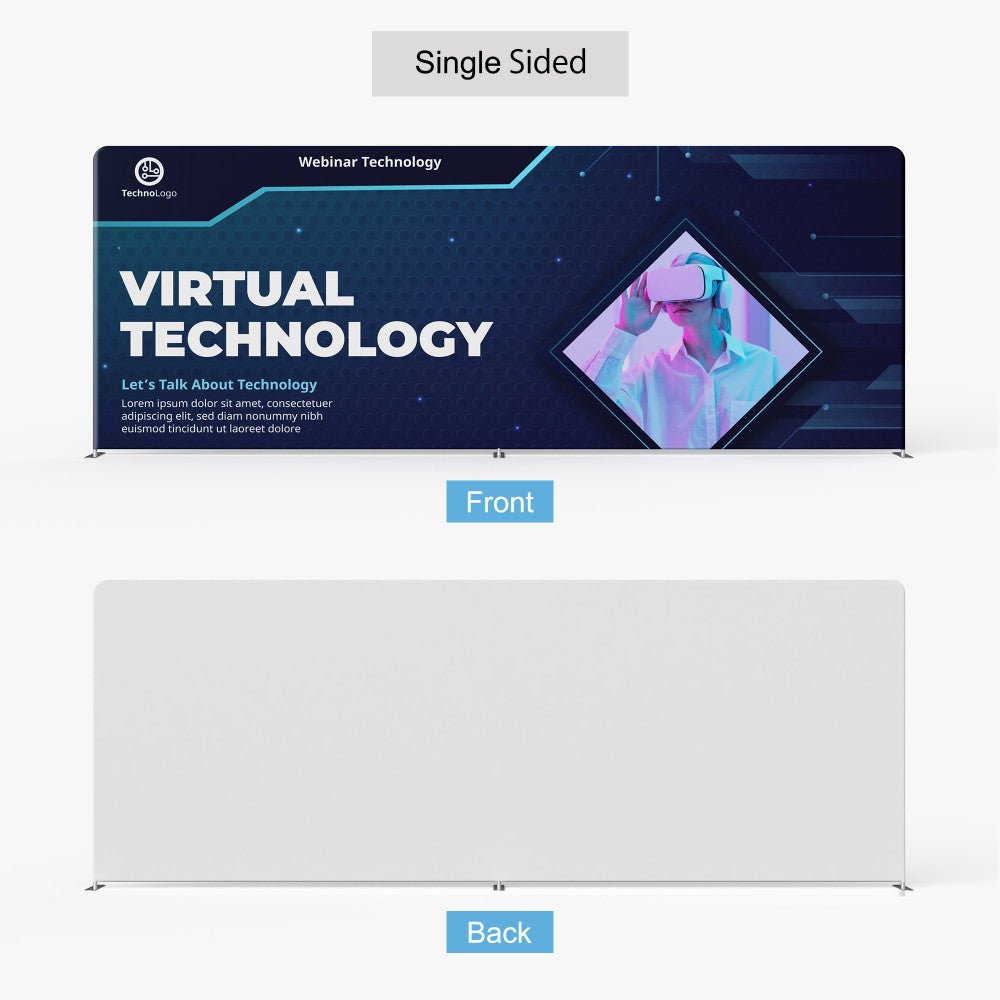
- Single or double sided tension fabric dye-sub print
- Tool free tube hardware·- fast assembly
- Carry bag included – Hard case / Podium options available
Description
Our tension displays consist of a lightweight but durable aluminum hardware and a fabric dye sublimated print. The hardware is inserted inside the print, much like a pillow into a pillowcase. The fabric print is stretched tight across the frame and zipped close.
Spec
Material:
- 8.8 oz. Tension Fabric
Hardware:
- Aluminum – Interlocking tube
- Soft canvas bag (complimentary)
- Hard Case – Durable Plastic (optional)
Size and Weight :
| Size and Weight | 8ft Straight Shape | 10ft Straight Shape | 20ft Straight Shape |
|---|---|---|---|
|
Display Size |
89.5”W x 89”H |
112”W x 89”H |
236.5”W x 89.5”H |
|
Graphic Size |
90”W x 89.5”H |
115”W x 89.5”H |
236”W x 89.5”H |
|
Weight (w/ soft canvas bag) |
30 lbs |
34 lbs |
41 lbs |
|
Weight (w/ podium & led lights) |
52 lbs |
53 lbs |
72 lbs |
|
Package Size (soft canvas bag) |
32”W x 11”H x 11”D |
32”W x 11”H x 11”D |
32”L x 12”W x 16”H |
|
Package Size (hard case) |
40”W x 21”H x 17”D |
40″W x 21″H x 17″D |
40″W x 21″H x 17″D |
|
Podium Size |
37″W x 37″H x 20″D |
37″W x 37″H x 20″D |
37″W x 37″H x 20″D |
File Setup
- Accepted File Formats: JPEG or PDF (single page only)
- Color Space: CMYK
- Resolution: For 8′ and 10′ displays 150 ppi recommended for raster images, for 20′ display 120 ppi.
- Max File Upload Size: 300MB
- Submit artwork built to ordered size – Scaled artwork is automatically detected and fit to order
- Do not include crop marks or bleeds
- Double sided products will be uploaded as two spearate files unless otherwise specified in the artwork template
Additional Tips
- Do not submit with Pantones/Spot Colors – Convert to CMYK
- Convert live fonts to outlines
- Use provided design templates when available
Template Download (Template User Guide)
| Straight Tension Fabric Display |
 |
 Photoshop |
|---|---|---|
|
8′ Straight Shape |
||
|
10′ Straight Shape |
||
|
20′ Straight Shape |
||
|
Podium |
- Do not adjust artboard size
- Do not reposition guidelines
- Design on layer labelled “Artwork”
- Delete mask/guide layers when instructed by template
Installation Guide

1. Connect tubes of the frame (There are number labels on the tubes)

2. Wrap up the frame with the graphic from left to right, then zip up

3. Put the light clip on the top of the display and fix it with screw, then connect the light and the clip